Free Schedule Calculator
- Build complete amortization schedules
- Review totals, charts, and annual summaries
- Print the schedule and report
- Individual payment rows remain view-only
Amortization Pro for Windows · $25 one-time license
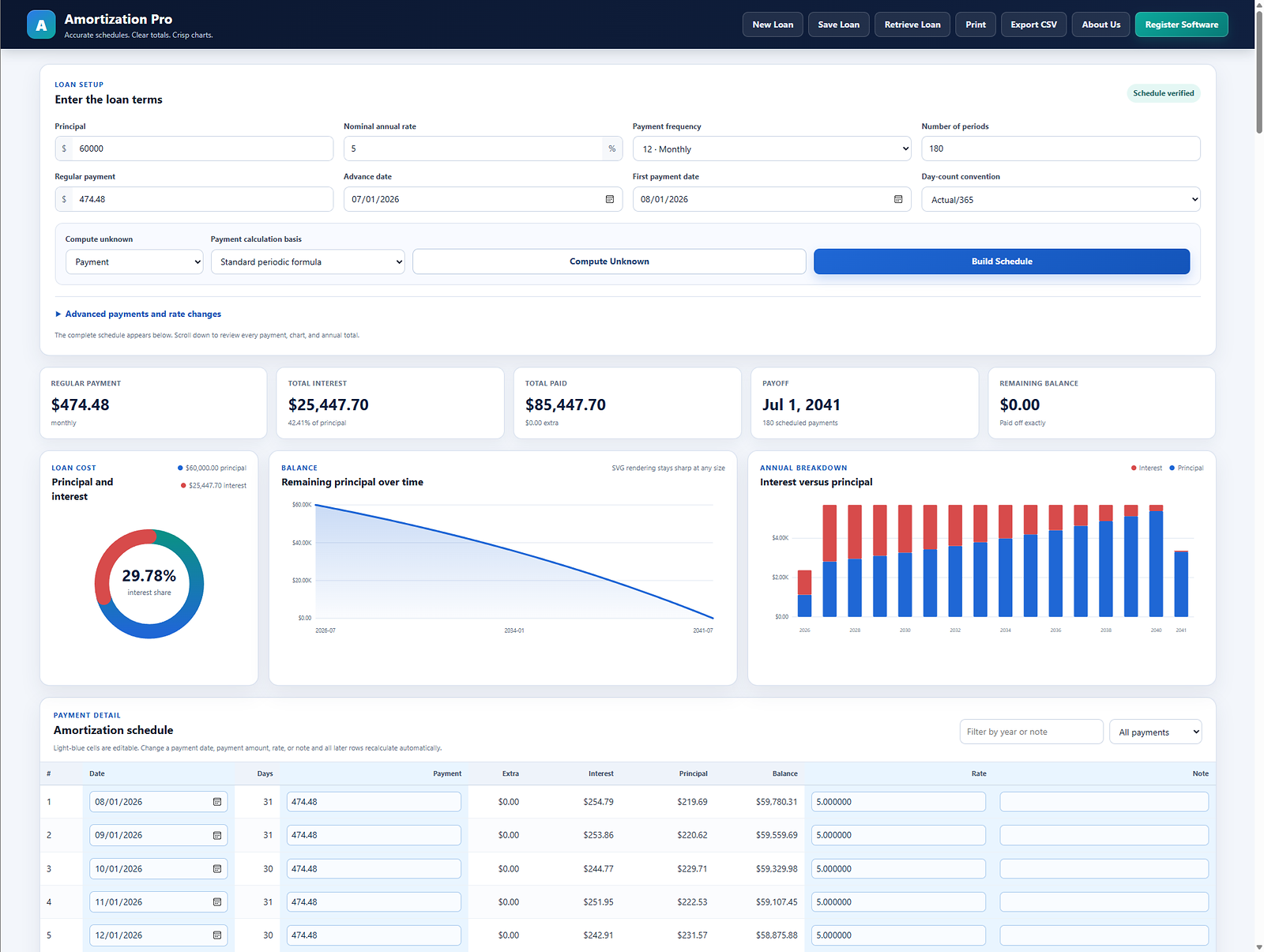
Create, edit, save, retrieve, and print detailed loan amortization schedules. Change individual payment dates, amounts, interest rates, and notes, then automatically recalculate the remaining schedule.
Use the free online schedule calculator · No subscription or recurring charge.
Choose the right version
Each option uses the same practical approach to loan schedules, but the editing and saving capabilities differ.
See the software
A real amortization example
This example uses a $250,000, 30-year loan at 6.50% with a regular monthly principal-and-interest payment of $1,580.17. A $10,000 principal payment is entered after payment 12.
Difference in this example
$49,272.98less interest37 monthsearlier payoffIllustrative principal-and-interest calculation only. Actual lender posting methods, fees, rounding, dates, and loan terms may change the result.
Practical product details
Build and keep schedules on your computer. Compare the free calculator, evaluation, and registered software.
Released July 28, 2026. Includes editable payment rows, saving, retrieval, CSV export, charts, annual totals, and printable reports.
Model extra payments, rate changes, balloon balances, and biweekly payments.
Free online tools
Use twelve focused calculators for interest, payments, payoff strategies, balances, Rule of 78, balloon loans, and refinancing. Your entries stay in your browser.
Solve for the regular payment, total interest, total payments, payoff time, and complete amortization schedule.
Open calculator →Convert an annual rate to a daily rate and compare how common day-count bases change the interest for a selected number of days.
Open calculator →See how recurring extra principal and a one-time lump sum can shorten a loan and reduce total interest.
Open calculator →See how a precomputed finance charge is weighted toward earlier payments and estimate the unearned interest remaining after a selected payment.
Open calculator →Estimate the regular monthly payment, interest paid before the balloon date, and the lump-sum balance due at payoff.
Open calculator →Compare both the monthly-payment effect and the long-term cost before replacing an existing loan.
Open calculator →Expanded amortization library
The guide library now covers principal, interest-rate comparisons, payoff strategies, payment frequency, seller financing, equity, escrow, and schedule troubleshooting.
See how each payment changes the outstanding balance.
Read guide →Compare monthly payment, total interest, and balance milestones.
Read guide →Understand quoted rates and the effect of compounding.
Read guide →Separate remaining principal from future interest.
Read guide →Model private notes, regular payments, and balloon balances.
Read guide →Troubleshoot dates, rates, frequency, rounding, and extra payments.
Read guide →Open 24 focused guides and worked examples covering common amortization questions.
View all guides →Questions
Amortization Pro is $25 per license. A 4-license pack is $100. Each purchase is a one-time charge with no subscription or recurring fee.
The free version builds and prints schedules, but individual payment-row dates, payment amounts, rates, and notes are view-only.
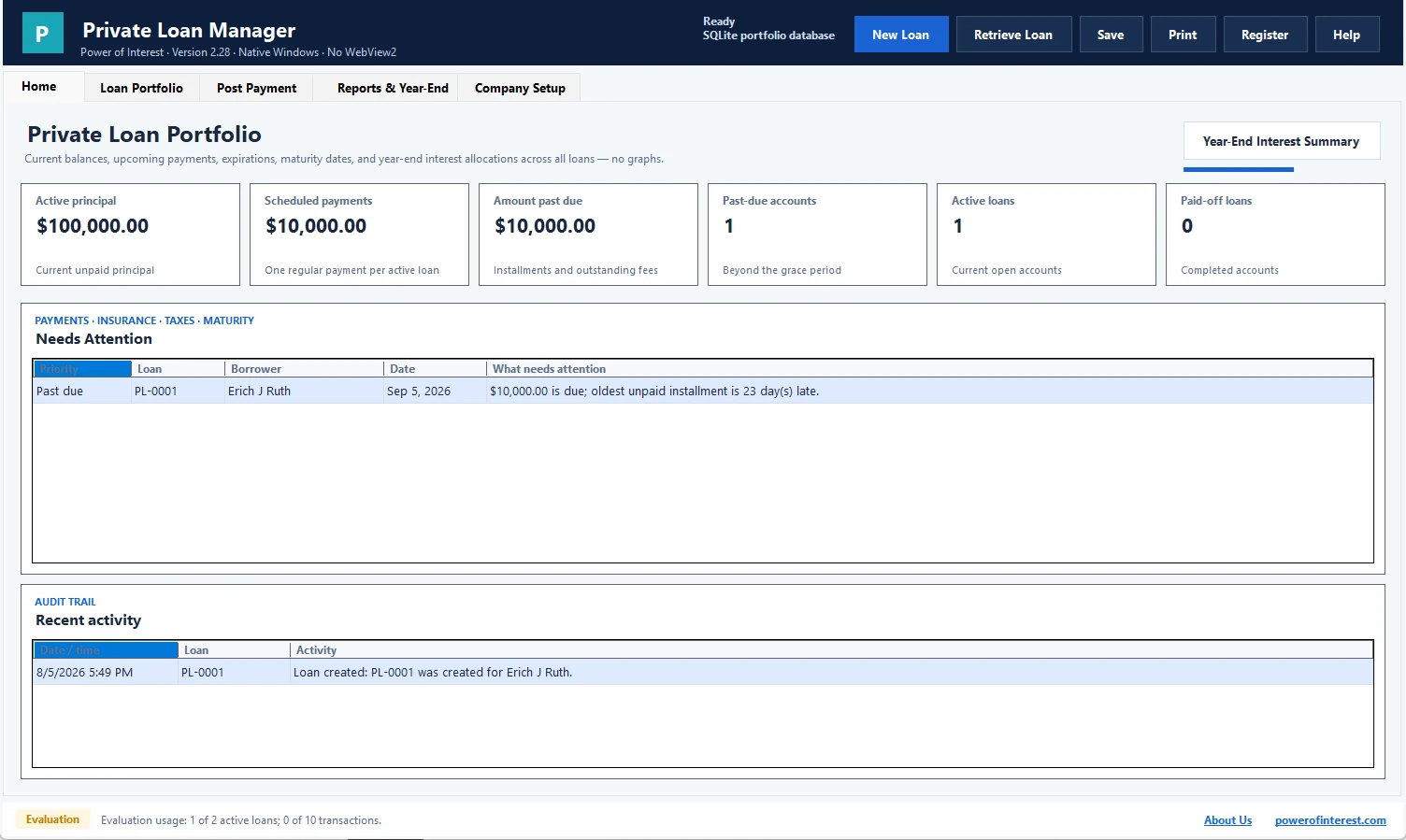
It is the Windows desktop software. It allows five unrestricted schedule uses. After that, the principal is fixed at $60,000 until registration. Compare the free, evaluation, and registered versions.
After purchasing, open Register Software, copy the Installation ID, and send it with your payment information. We return the one-time passcode for that installation.
Call (608) 444-6575 or email support@powerofinterest.com. We check messages often and respond quickly.
Use the free calculator immediately, or purchase one license for $25 or a 4-license pack for $100.